When people talk about PDF editing, it can sound technical. But most of the time, the tasks are simple and very human. You want to sign a lease. You want to send a corrected resume. You want to merge receipts for taxes. You want to highlight a document for a family member. A free PDF editor is useful because it helps you do these everyday things without turning them into a project.
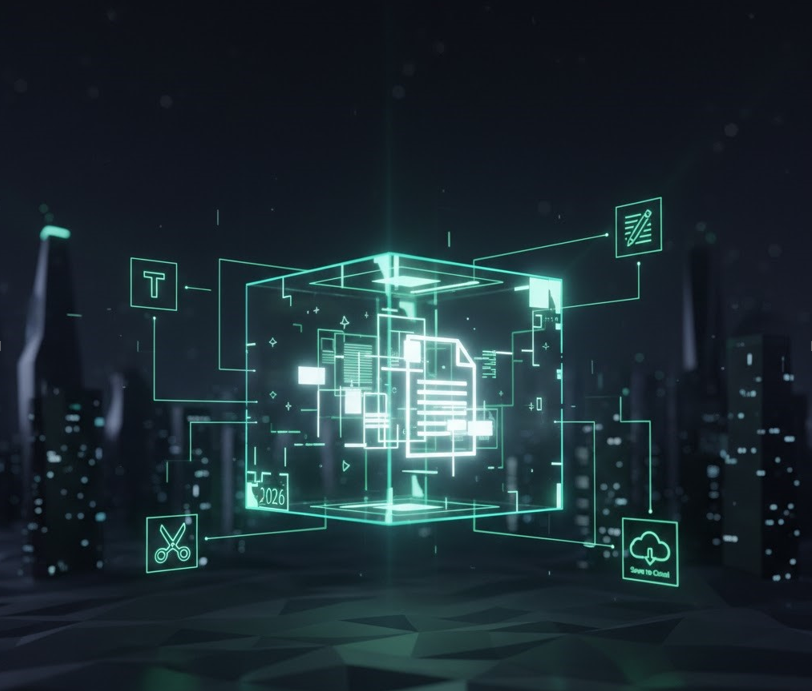
The most used feature is adding text. This can be as small as typing your name on a form or as important as correcting a number on an invoice before sending it to your accountant. An editor that makes text insertion easy is the foundation. You should be able to adjust font size, move the text box and keep the result readable.
Next is signing. Many of us sign PDFs far more than we expected. Landlords, schools, banks, clinics and employers all send PDF documents. A free editor that allows quick signatures saves time and reduces the temptation to print and scan.
Highlighting and notes are also common. People use PDFs to communicate. If you are reviewing a contract, you might highlight a clause and add a comment asking for clarification. If you are helping someone with a document, annotations can guide them without rewriting the file.
Page management is another everyday need. You might download a multi page statement that includes a blank page. You might scan a set of papers and want to remove the page that is upside down. You might have several PDFs and want them in one file. A good editor should let you reorder, rotate, delete and merge pages without a learning curve.
Compression is a feature that quietly saves the day. Many email systems and online portals have size limits. If you have ever tried to upload a scanned PDF and got an error, you already know why compression matters. The best tools let you pick a quality level so you can keep the text readable.
Conversion is useful too. Sometimes you need to turn a PDF into an image for a quick upload, or convert it into a document format for editing. Not every free tool does conversions well, but even basic export options can help.
A reliable everyday PDF editing app should also help you protect your work. Autosave and clear export options reduce the risk of losing changes. Some tools allow password protection, which can be useful when sharing personal documents, but remember that password security depends on how you share the password as well.
If you prefer online tools, be aware of ads and confusing buttons. A quality service should make it obvious what you are downloading. You do not want to click the wrong thing when you are in a hurry. Choose a popular web tools site that prioritizes usability and clear steps.
One of the best ways to avoid frustration is to test the tool with a low stakes document first. Try adding text, saving, reopening and checking the result. Try placing a signature and exporting. If everything behaves normally, you can trust it more with important documents.
See also: Benefits and Risks of Social Media Technology
If you need to edit PDFs frequently, consider whether you want an offline option. Desktop editors can be faster and can feel more private because files never leave your computer. Online editors are convenient, especially when you are away from your main device. Many people end up using both depending on the situation.
Another real life scenario is working with family. You might help a parent fill out a form, or help someone apply for a program. In those cases, simplicity matters more than advanced features. You want a tool that is easy to explain and hard to mess up. A clear interface with big buttons can make the process smoother for everyone.
Free PDF editors are not perfect, but they are far more capable than they used to be. If you focus on the features you actually use, you can avoid feature overload and choose a tool that fits your habits. Editing PDFs should feel like a normal task, not a battle with a file format.